
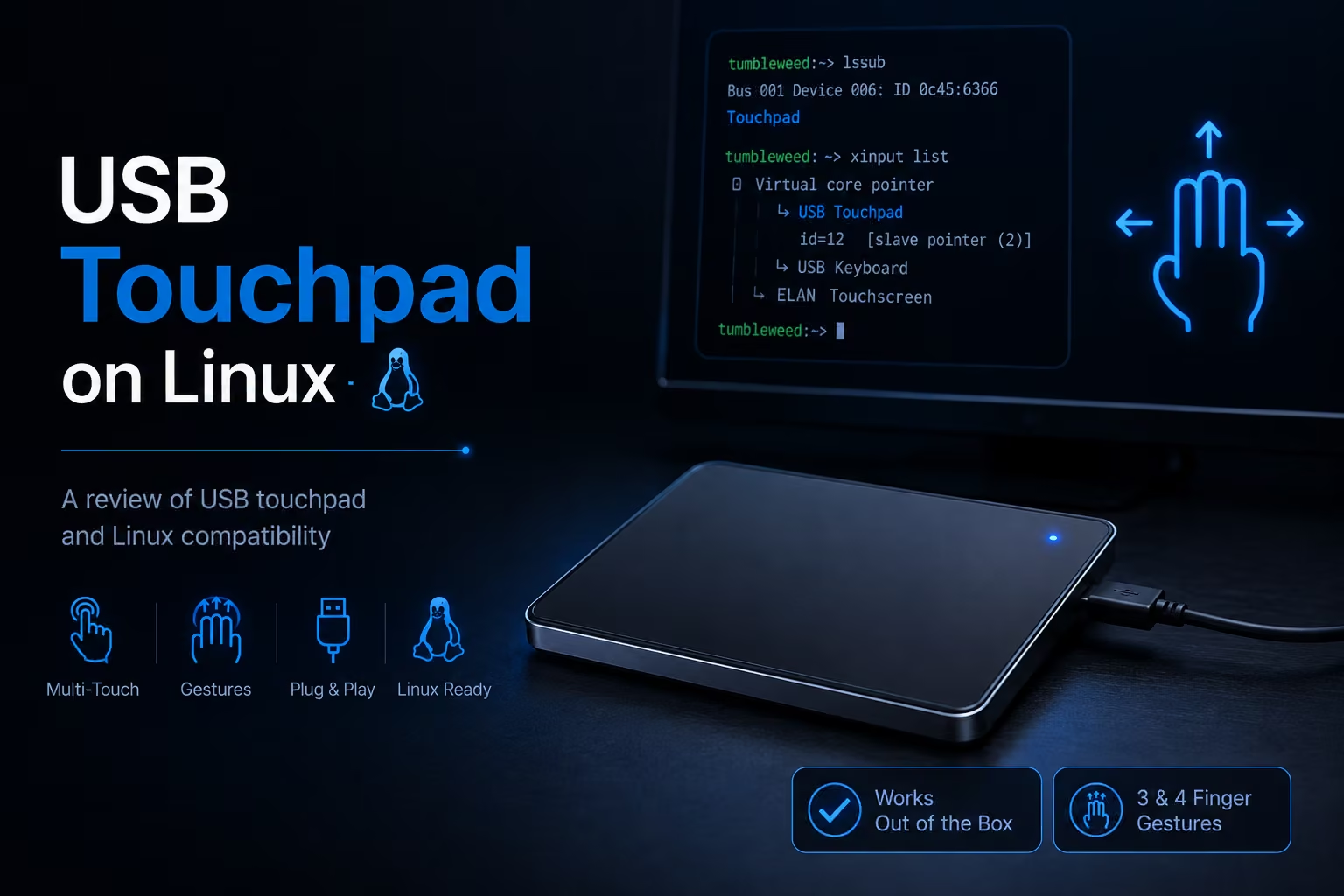
Intro
I wanted an external touchpad for my desktop Linux machine, mainly to get laptop-like scrolling and gesture support without using a traditional mouse. Apple Magic Trackpad is a popular option, but it is relatively expensive and requires Bluetooth. While browsing Shopee, I found an inexpensive USB multi-touch touchpad that looked promising.
This post documents my experience using it with OpenSUSE Tumbleweed and XFCE, including what works out of the box and how to enable three- and four-finger gestures.
Hardware
- a wired usb touchpad from Shopee
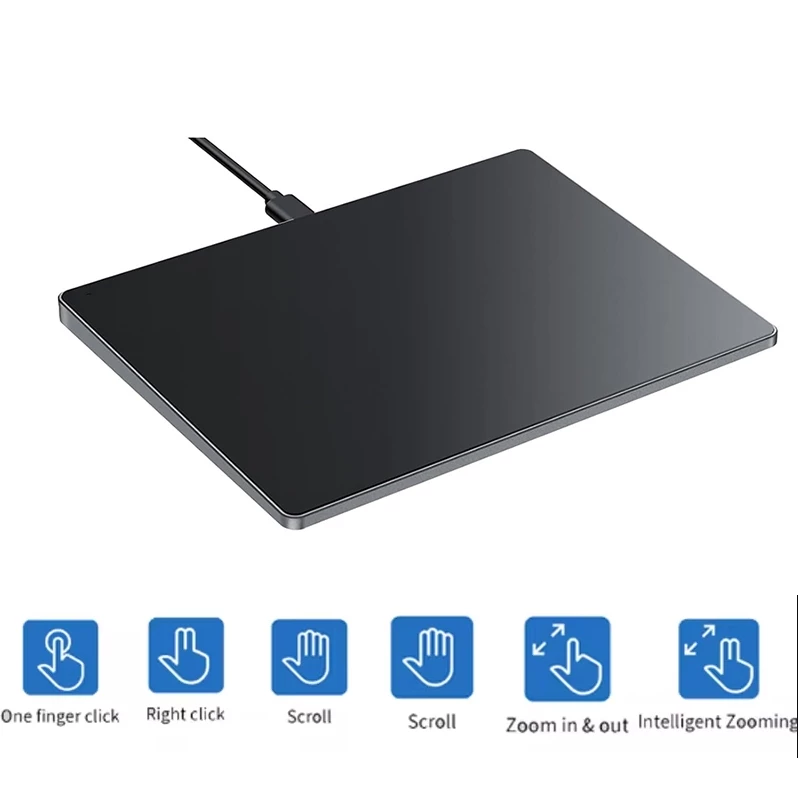
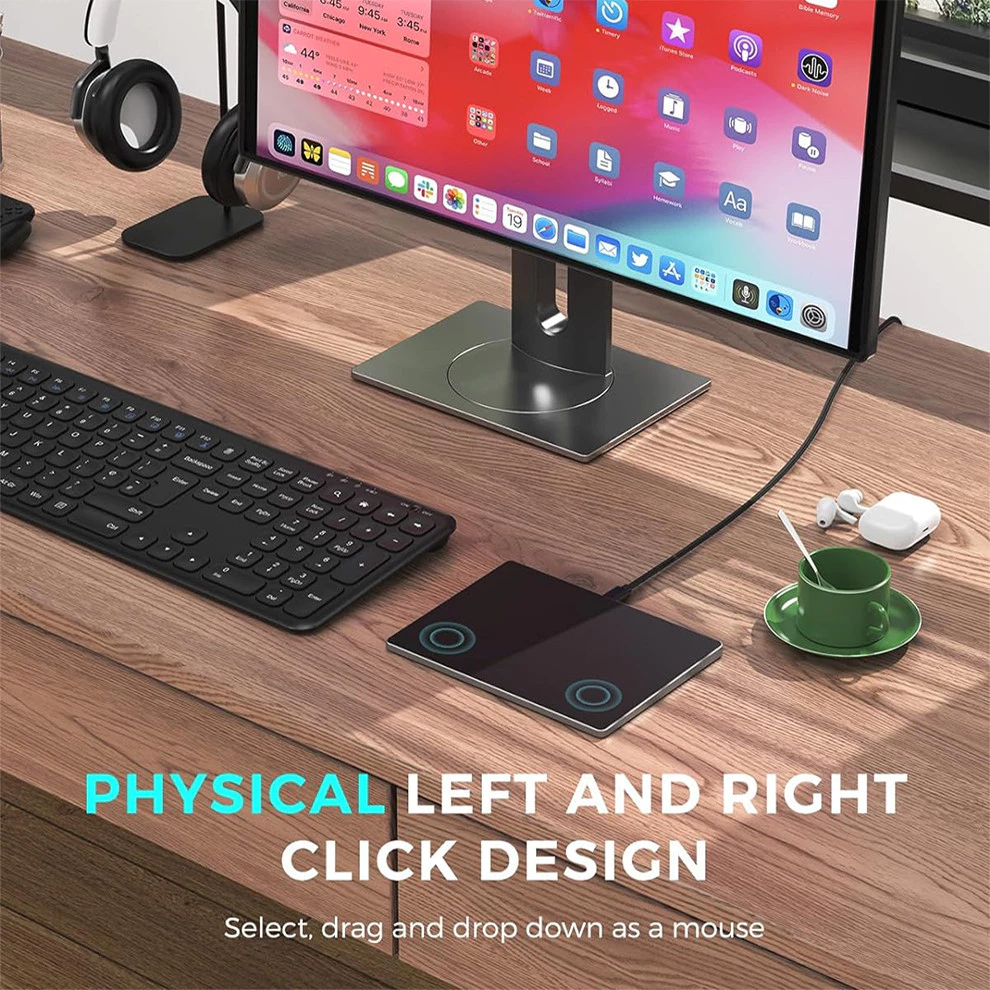
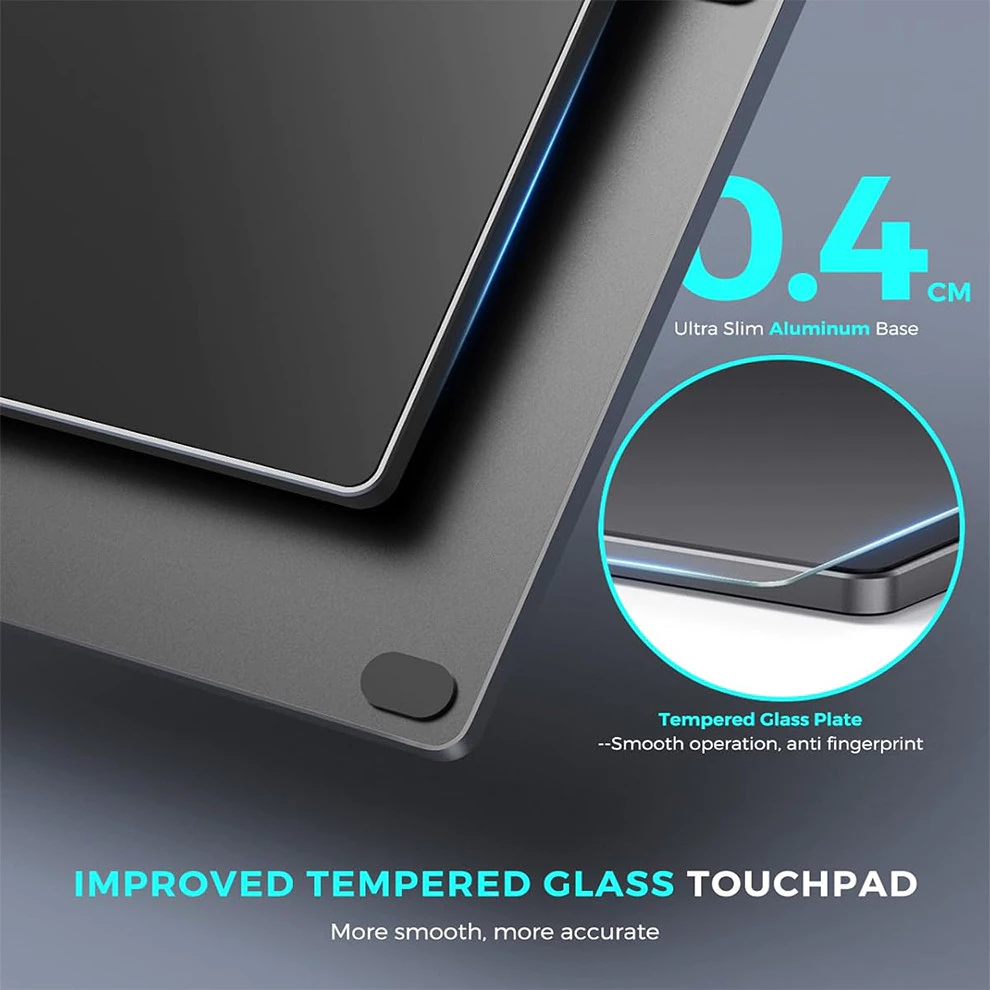
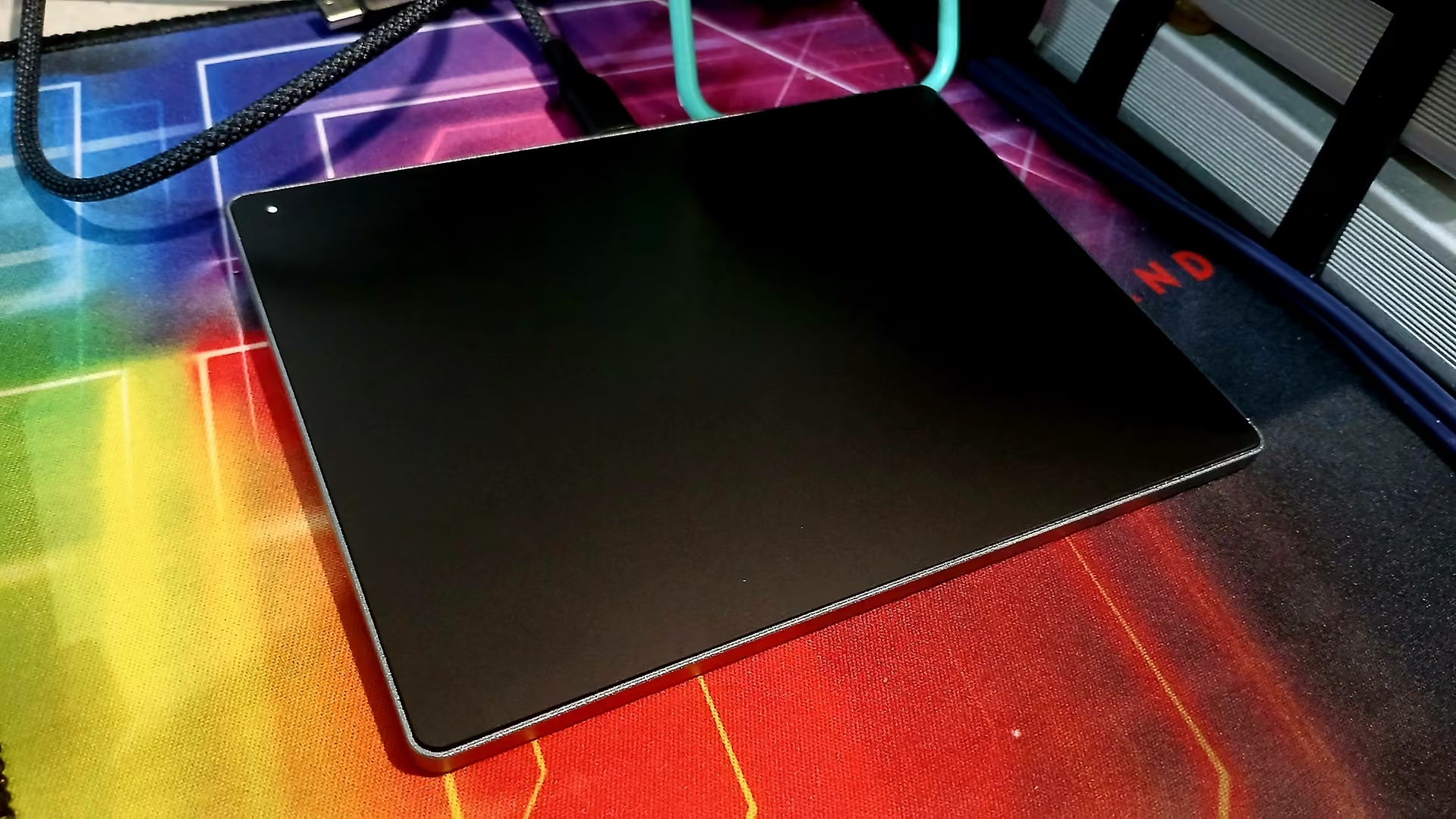
Build quality is really good for the price. Base is made of aluminium with four anti-slip rubber feet. The top is made of glass fofr smooth touch experience.
Software
- OpenSUSE Tumbleweed kernel 7.1.4
- XFCE
Out-of-the-box experience
The touchpad is detected and works immediately after being plugged in.
| Gestures | action | status |
|---|---|---|
| 1 finger move | cursor move | ✅ |
| 1 finger tap | left button click | ✅ |
| 2-finger tap | right button click | ✅ |
| 2-finger swipe | scroll | ✅ |
| 3-finger gestures | ❌ | |
| 4-finger gestures | ❌ |
Three-finger gestures
To use three- and four-finger gestures, you need two additional applications: Touchegg and Touché .
sudo zypper install touchegg
sudo systemctl enable touchegg
sudo systemctl start touchegg
flatpak install flathub com.github.joseexposito.toucheLog out and log back in. Use touché to configure three- and four-finger gestures. I do configure for three-finger swipe gestures only as these:
| 3-Finger gestures | action | map to |
|---|---|---|
| swipe up | open Application Finder | Alt+F3 |
| swipe down | show desktop | Ctrl+Alt+d |
| swipe left | change to workspace on the right | Ctrl+Alt+Right |
| swipe right | change to workspace on the left | Ctrl+Alt+Left |
Summary
For its low price, this USB touchpad works surprisingly well on Linux. Basic functionality—including cursor movement, tapping, right-click, and two-finger scrolling—works immediately after plugging it in without any additional drivers.
If you want multi-finger gestures, installing Touchegg and configuring them with Touché is straightforward. After that, three-finger gestures integrate nicely with the XFCE desktop and make navigating workspaces and launching applications much more convenient.
Overall, if you’re looking for an inexpensive wired touchpad for a Linux desktop, this one is a solid choice.